
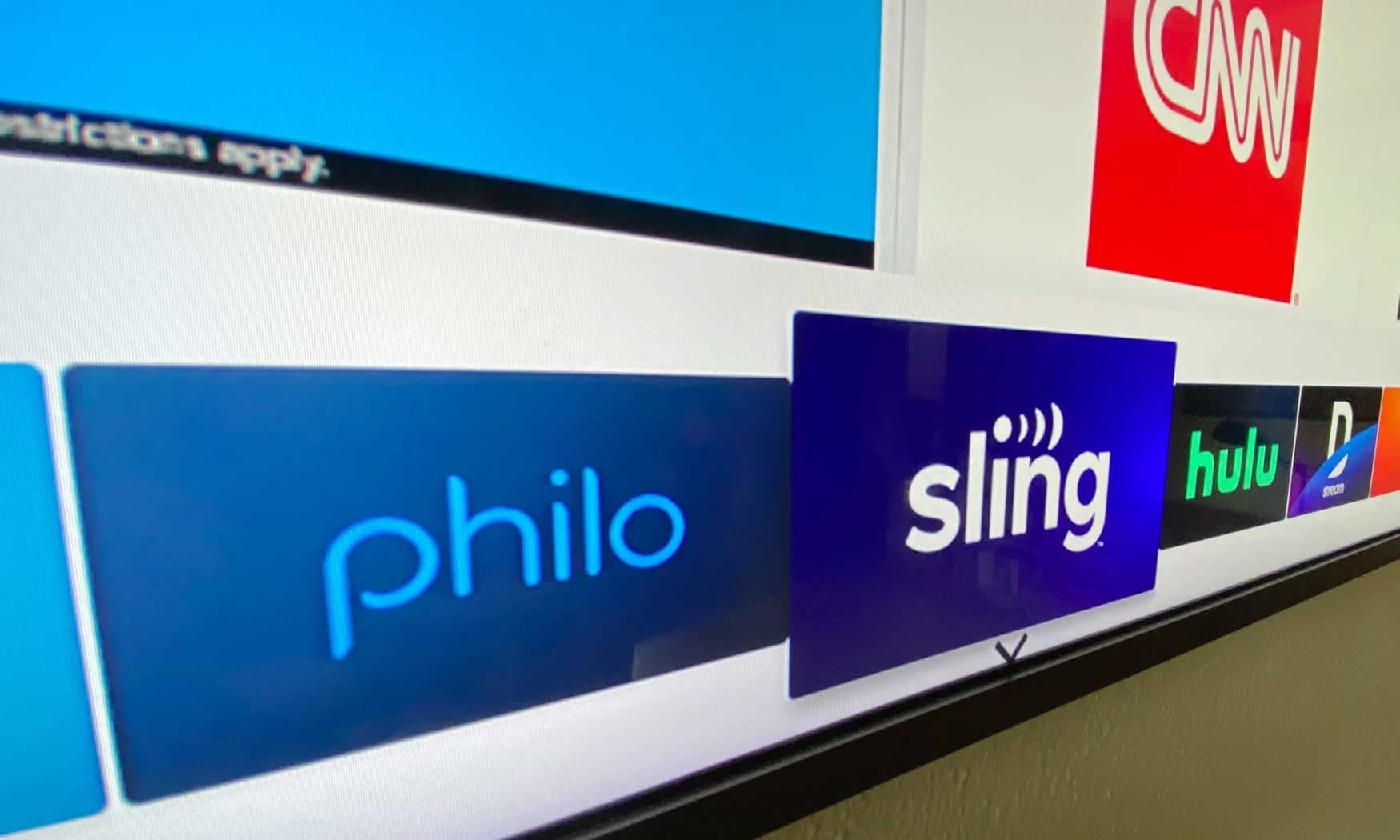
Streaming promised us a world without cable contracts and the satisfaction of only paying for what we actually wanted to watch. But at what cost? Cutting the cord can mean you don’t get to watch local channels, live sports or certain “cable only” networks. If you want to get back some of what cable has to offer – without signing a contract – a live TV streaming service may be what you need. We tested out six of the most popular offerings, comparing the features, prices and usability of each to come up with recommendations for different types of TV lovers.
What to look for in a live TV streaming service
What you need to stream live TV
Streaming live TV is a lot like using Netflix. You get access through apps on your phone, tablet, smart TV or streaming device and the signal arrives over the internet. A faster and more stable connection tends to give you a better experience. Most live TV apps require you to sign up and pay via a web browser. After that, you can activate the app on your device.
Price
When I started my research, I was struck by the price difference between live TV and a standard streaming app like Netflix or Peacock. Where the latter cost between $5 and $20 per month, many live TV services hit around the $70 mark and can go higher than $100 with additional perks, channel packages and premium extras. I also learned that when it comes to base plans, higher prices are mostly due to the cost of providing multiple networks – particularly sports and local stations.
Local Channels
Only two of the services we tried don’t include full local channel coverage and one of those makes no effort at carrying sports. That would be Philo and, as you might guess, it’s the cheapest. The next most affordable option, Sling, only carries three local stations, and only in larger markets, but it still manages to include some of the top sports channels.
When you sign up with any provider that handles local TV, you’ll enter your zip code, ensuring you get your area’s broadcast affiliates for ABC, CBS, FOX and NBC. Of course, you can also get those stations for free. Nearly all modern television sets support a radio frequency (RF) connection, also known as the coaxial port, which means if you buy an HD antenna, you’ll receive locally broadcast stations like ABC, CBS, FOX and NBC. And since the signal is digital, reception is much improved over the staticky rabbit-ears era.
Sports
One reality that spun my head was the sheer number and iterations of sports networks in existence. Trying to figure out which network will carry the match-up you want to see can be tricky. Google makes it a little easier by listing out upcoming games: if you click on one, the “TV & streaming” button will tell you which network is covering the event.
That just leaves figuring out if your chosen service carries that network. Unfortunately, even with add-ons and extra packages, some providers simply don’t have certain channels. It would take a lawyer to understand the ins and outs of streaming rights negotiations, and networks leave and return to live TV carriers all the time. That said, most major sporting events in the US are covered by ESPN, Fox Sports, TNT, USA and local affiliates.

Traditional cable networks
Dozens of networks were once only available with cable, like Bravo, BET, Food Network, HGTV, CNN, Lifetime, SYFY and MTV. If you only subscribe to, say, HBO Max and Netflix, you won’t have access to any of those. All the options we tested deliver sizable lists of cable networks, though only DirecTV gives you all of the top 36 channels ranked by Nielsen as the most watched in 2022.
Media conglomerates continue to merge, rebrand or reenter the streaming market, which means you can find many cable networks on traditional streaming platforms like Peacock. Other channels like AMC+ have their own stand-alone apps. If you’re just interested in live TV for cable-only shows, there are cheaper alternatives. I was particularly delighted by the 20 ad-free channels you get on the Discovery+ app for $7 per month. Paramount+ has shows from multiple brands, including MTV and Comedy Central, while Peacock has Bravo and Hallmark shows.
There’s even a service called Frndly TV that costs a mere $7 per month and streams A&E, Lifetime, Game Show Network, Vice and about 35 others. We didn’t test it for this guide because it doesn’t give you local access, news or sports and most people would be better served by the broader coverage on a cheap option like Philo.
I should also mention free ad-supported TV (FAST) streamers like Plex, Tubi, PlutoTV and Sling Freestream that let you drop in and watch a decent selection of live networks at zero cost. Some don’t even require a credit card. And if you have a Roku device or a Samsung TV, you can access hundreds of live channels via the Roku Channel or through the Samsung TV Plus app.
Digital video recordings (DVR)
Every option we’ve included offers DVR storage and all content is stored in the cloud, so you don’t need a separate physical device like you often do with traditional cable. You’ll either get an unlimited amount of recordings that expire after nine months or a year, or you’ll get a set number of hours (between 50 and 1,000) that you can keep indefinitely. Typically, all you need to do is designate what you want to record and the DVR component will do all the hard work of saving subsequent episodes for you to watch later.
Aside from being able to watch whenever it’s most convenient, you can also fast-forward through commercials in recorded content. In contrast, you can’t skip them on live TV or video-on-demand (VOD).
Most live TV subscriptions include access to a selection of VOD content including movies and shows that are currently airing on your subscribed networks. This typically doesn’t cover live events, local shows and news programming. But it does let you watch specific episodes of ongoing shows like Diners, Drive-Ins and Dives or BET’s Sistas. Just search for the program, pick an episode and hit play.